Setting Data Enrichment Subscription Management Permissions
TE Recruit’s Data Enrichment addon allows you to purchase enrichment credits and request additional information for People records.
By default, only the Main Contact on an account has permission to manage the firm’s data enrichment subscription because this setting allows the user to charge the credit card on file.
Note: the ability to set data enrichment subscription permissions is restricted to only those users that have permission to manage users
To allow or restrict a user from managing your firm’s data enrichment subscription:
- Expand the Sidebar in the top right corner of the software and click on the Settings icon
- Click to expand the My Agency section and then select Manage Users

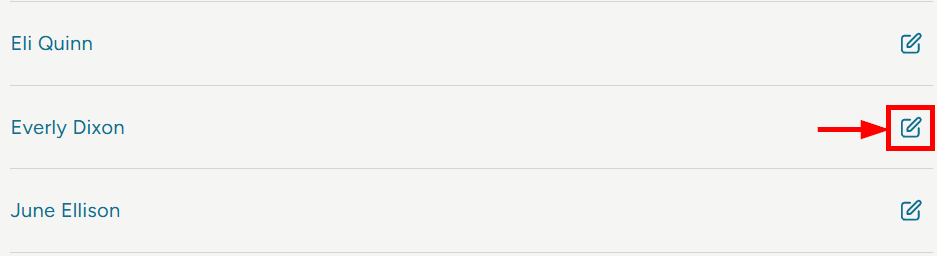
- All users on the account will populate on the Manage Users page
- Click on the edit icon to the right of the person you wish to set data enrichment subscription permissions for
- Under the user’s Permissions on the right side of the User Profile, click to expand the Addons & Integrations section
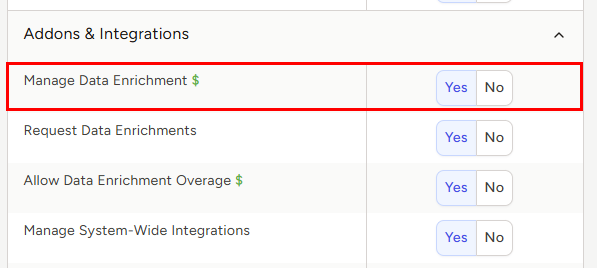
- To the right of Manage Data Enrichment, set the appropriate permission
- Yes = this user has the ability to manage your firm’s data enrichment subscription including the ability to add or remove a data enrichment subscription package from your account
- No = this user cannot manage your agency's data enrichment subscription
- Make sure to click the Save button at the bottom once your changes have been made