RingCentral Integration
The RingCentral integration allows you to connect your RingCentral account to TE Recruit so you can make and receive phone calls, send and receive text messages, access voicemail, and receive missed call notifications without leaving the software.
Calls and text messages are automatically logged as Activities on the appropriate records, helping keep your communication history organized and your database up to date. By bringing your phone system directly into TE Recruit, you can spend less time switching between applications and more time building relationships with candidates, clients, and prospects.
NOTE: Each RingCentral account and phone number can only be connected to one TE Recruit user at a time and cannot be shared across multiple users or agencies. The number must also be a direct line assigned to the individual user; shared or company-wide main lines cannot be integrated.
To connect your RingCentral account:
- Expand the Sidebar in the top right corner of the software and click on the Settings icon
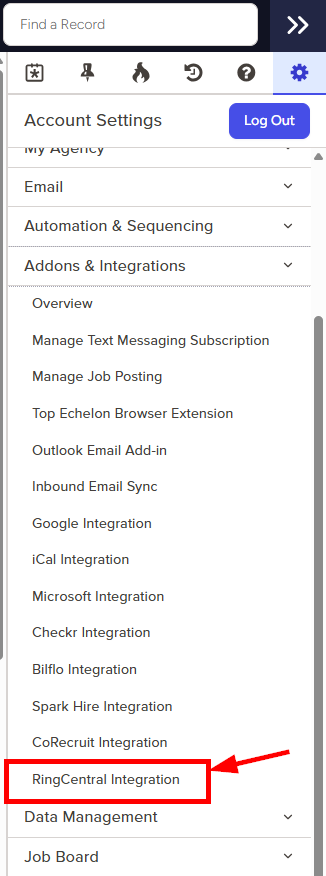
- Click to expand the Addons & Integrations section and then select RingCentral Integration
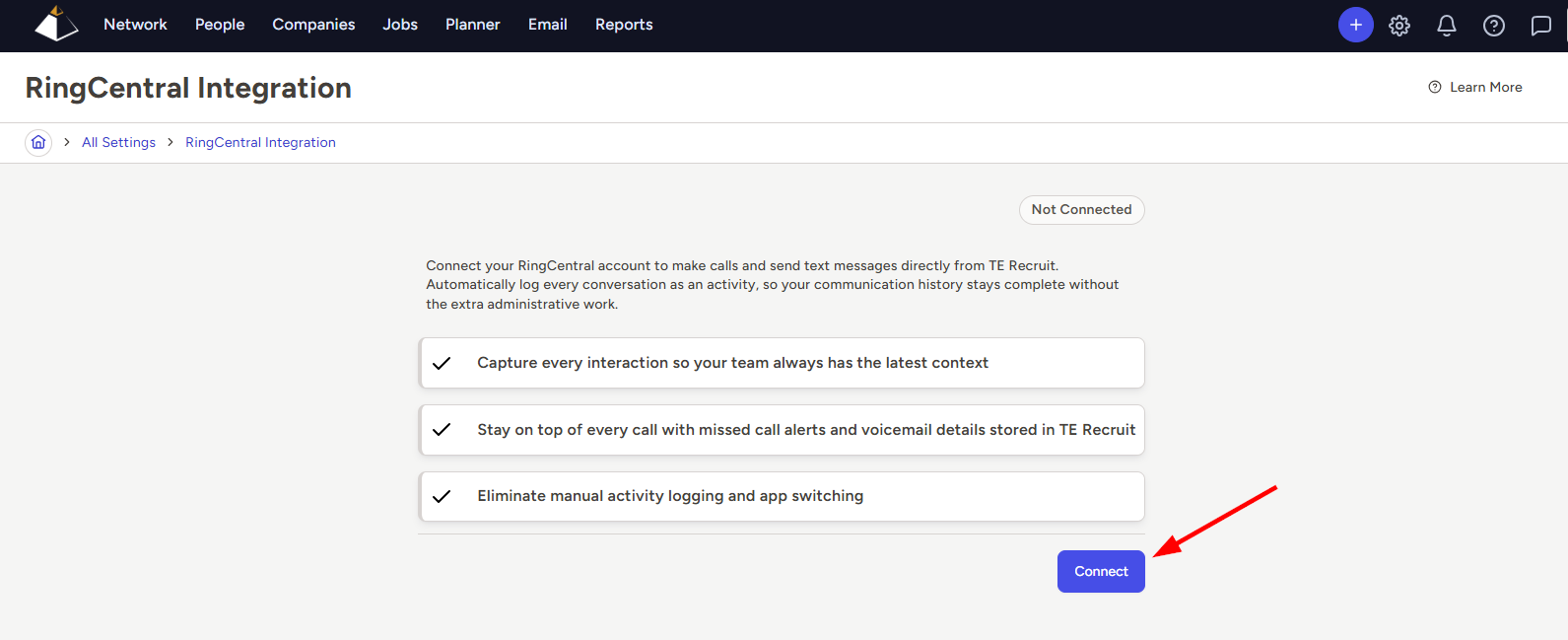
- Click the Connect button
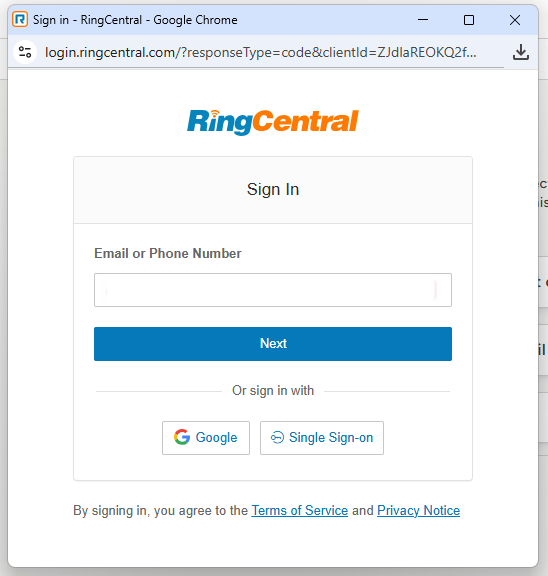
- A new window will open where you can enter your RingCentral login credentials
- Follow the prompts to connect your account
- The Settings page will update to reflect a Connected status when complete
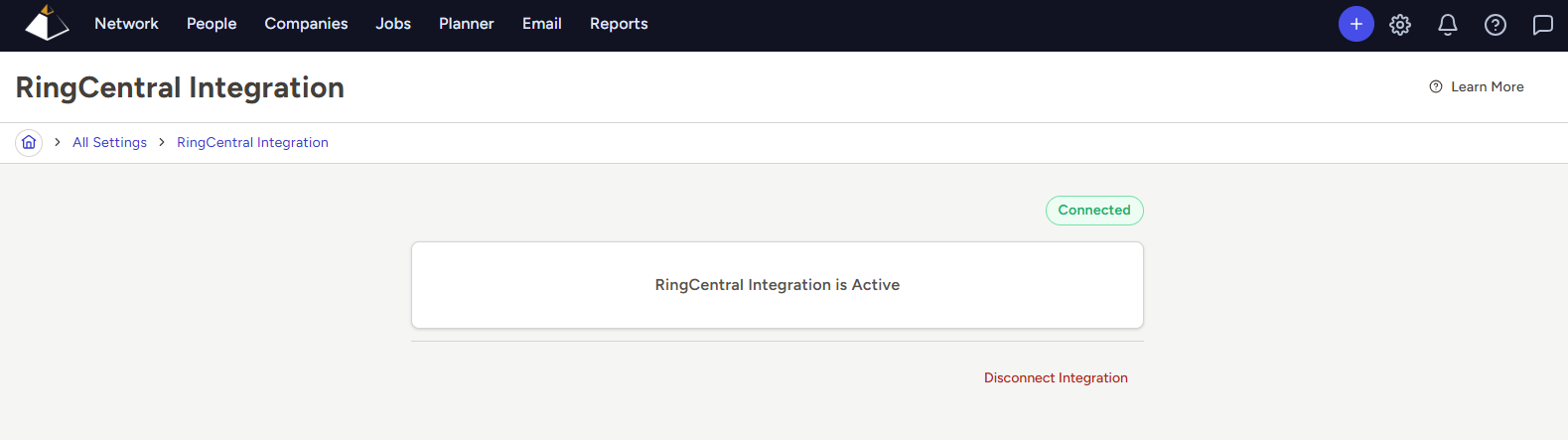
- If you’d like to import previous RingCentral correspondence that occurred prior to integration, please see our Importing Previous RingCentral History help article for instructions
To make a phone call or send a text message from within TE Recruit, via the RingCentral integration:
- Navigate to the corresponding Person or Company Datasheet
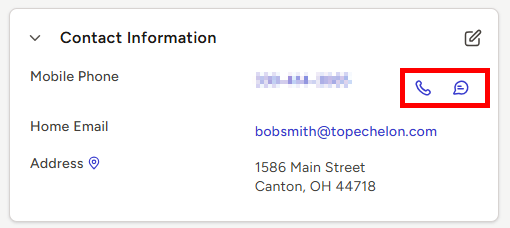
- Locate the Contact Information card and the corresponding phone number
- Click the phone or text message icon to the right of the number you wish to reach
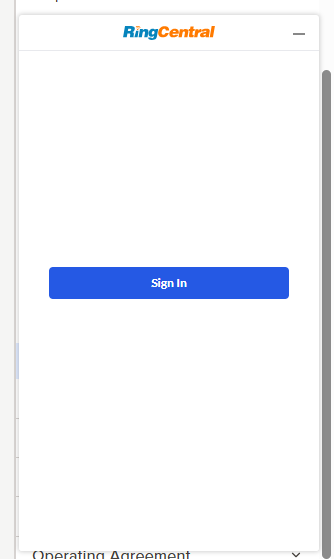
- The first time you make a call or send a message using the integration, you'll be prompted to authenticate again before you can use the RingCentral widget
- When the widget opens, enter your RingCentral credentials, and follow the prompts to complete authentication
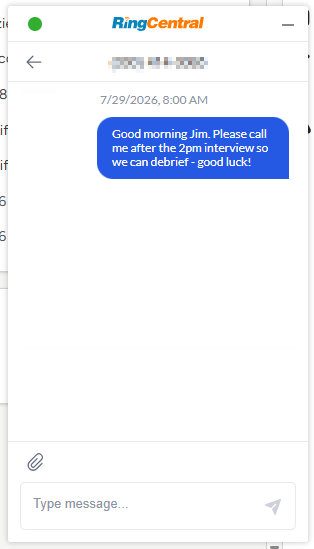
- After authentication is complete, clicking the text message icon to the right of a phone number will allow you to begin sending messages via the RingCentral widget in the bottom right corner of your screen
- Clicking the phone icon to the right of a phone number will allow you to start an outbound call via the RingCentral widget
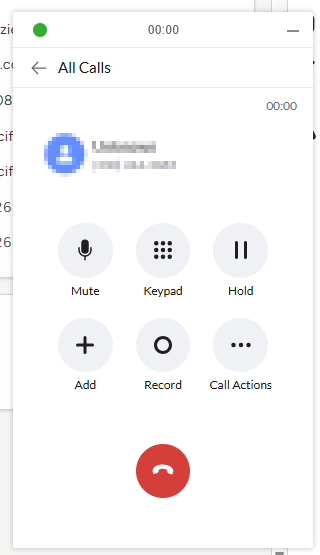
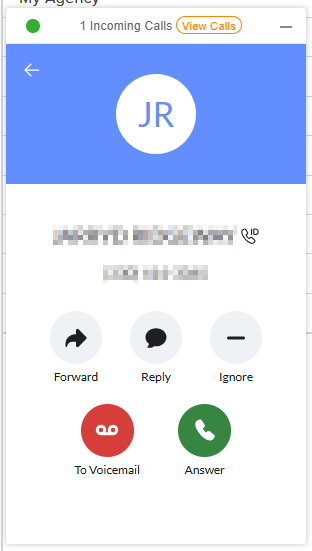
- New inbound calls and text messages to your RingCentral number will also be accessible via the RingCentral widget while working in TE Recruit
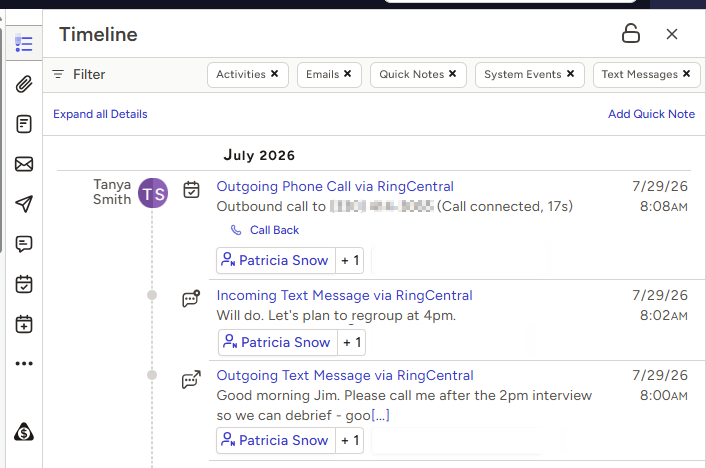
- All inbound/outbound calls and text messages will be logged as Activities and will be accessible via the Activities tab, Activities card, or Timeline on the corresponding Datasheet
- NOTE: RingCentral may occasionally delay sending call, text, and voicemail activity to TE Recruit due to webhook rate limits. If activity doesn't appear immediately, it will sync automatically once the update is received from RingCentral.
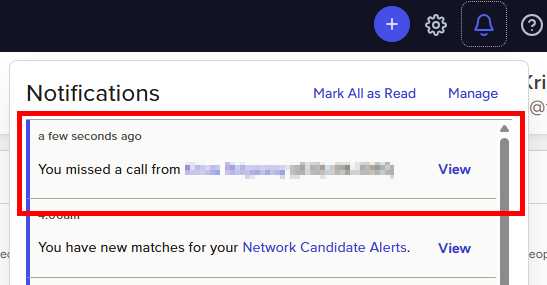
- A new notification will be sent for all missed calls and voicemails, depending on your notification preferences
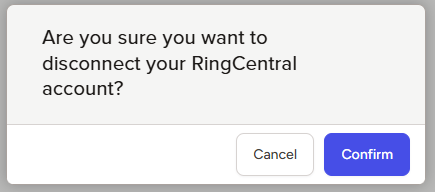
- If you wish to disconnect your RingCentral account at any time, click the Disconnect Integration link below current status information
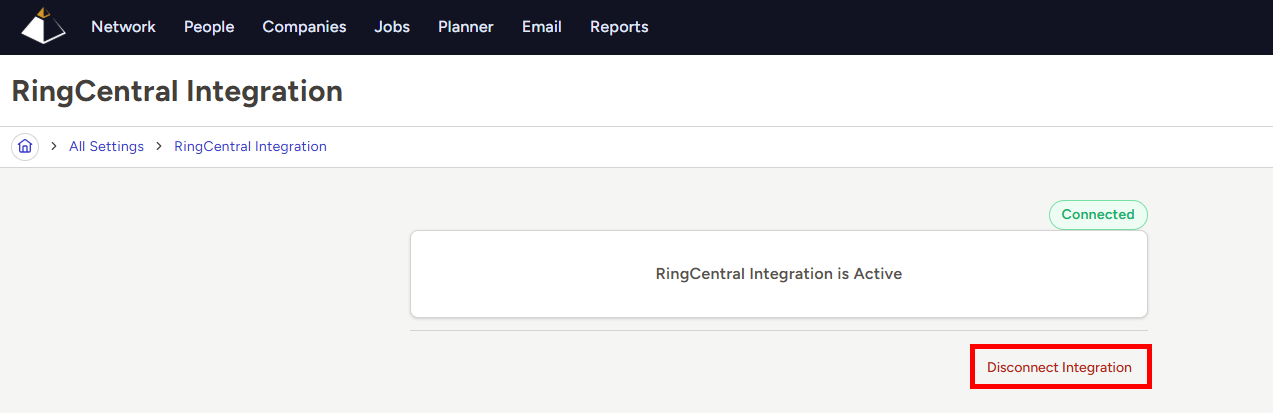
- Click the Confirm button when prompted, if you are sure that you want to disconnect your account